11 SEP 2026 — Google's September Android Drop brings five features: Find Hub can remember where you put things, Motion Assist tries to reduce car sickness, Google Messages gains Keep lists and chat themes, and Gemini Live adds guided vision. Two of the five need Android 16 or 17, which most phones in this region are not running.
What is in the drop
Find Hub gains a Remembered tab, so you can tell Gemini that the passport is in the bedroom drawer and it will save that, with a photo if you add one. It needs Android 16 or above.
Motion Assist puts bubble-like overlays on screen that move with your vehicle, intended to reduce motion sickness while reading in a moving car. Android 17 and above.
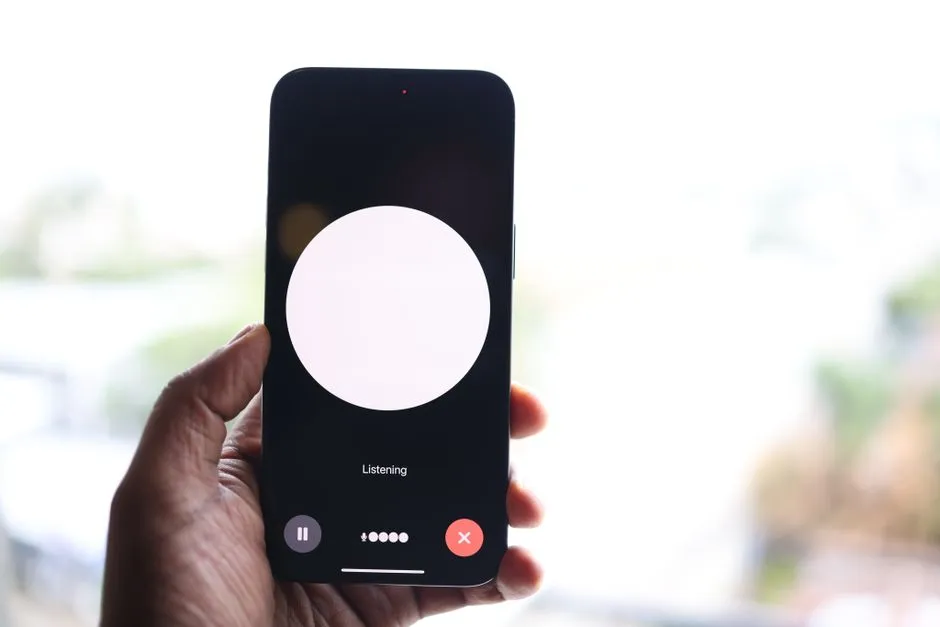
Google Messages adds native Keep list sharing inside chats and launches custom chat themes with matching bubbles. Gemini Live adds guided vision, offering voice descriptions and reframing prompts in low light or with fine print.
The version requirement is the regional story
"Coming to your phone" is the framing everywhere, and for a great many phones in Southeast Asia it is not. Motion Assist needs Android 17, which shipped recently and is on a small share of handsets; Find Hub's memory needs 16.
Android version distribution in this region skews old, because the volume sits in devices that were mid-range when new and receive two or three years of platform updates at best. A feature gated at 17 is aimed at phones bought recently at the top of the market.
This is less a complaint about Google than a correction to how these feature drops get read. The monthly drop is a rolling release for the newest phones; everyone else hears about features they will get when they next buy one.
Guided vision deserved the top of the list
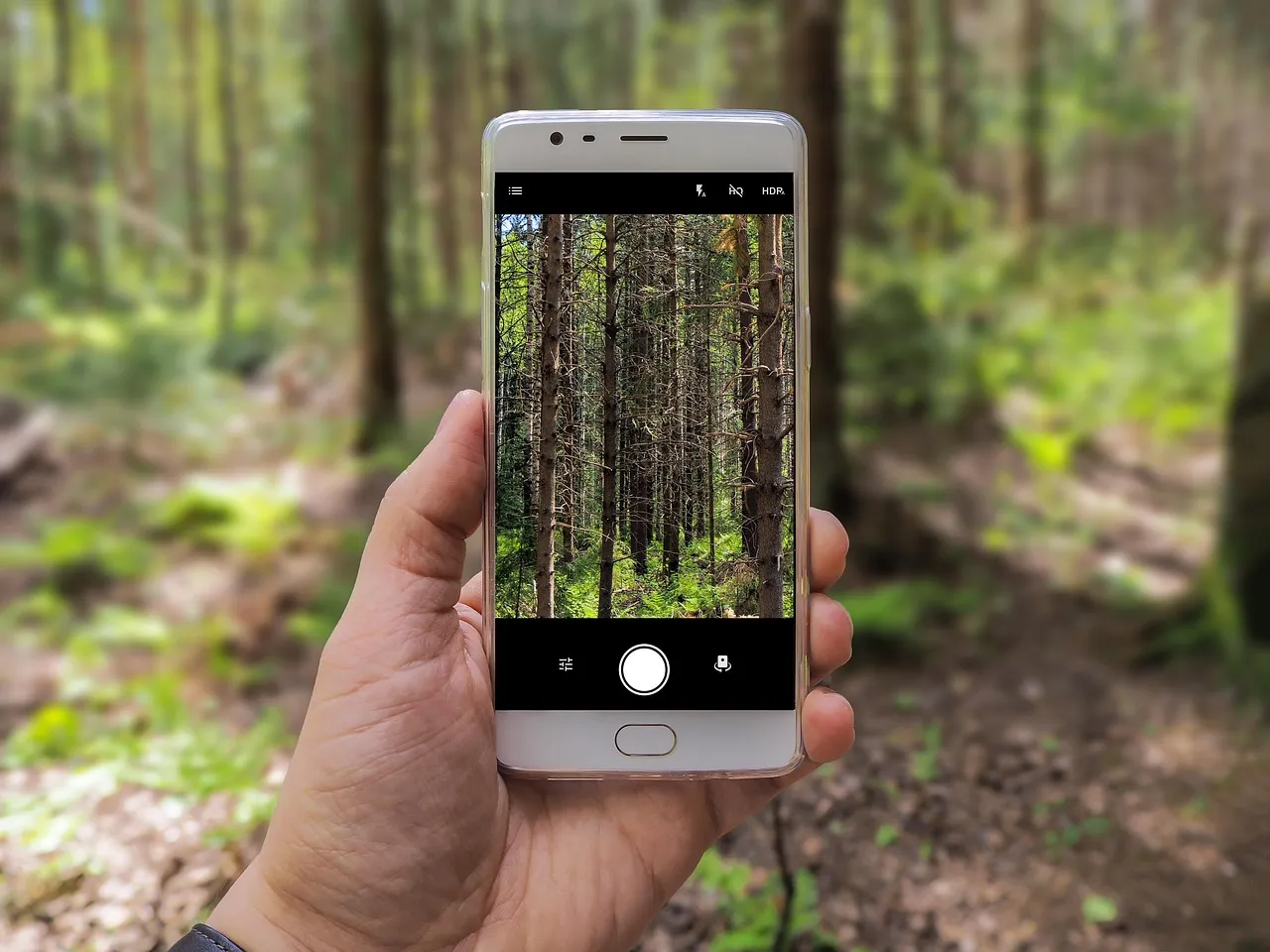
Gemini Live guided vision gives voice descriptions and prompts to reframe the camera in low light or when the print is too small. It is listed fourth in most write-ups, behind chat themes.
For someone with low vision, a camera that says what it sees and tells you to move it left is not a convenience feature. It is the difference between reading a medicine label alone and needing somebody else in the room.
The reframing prompts are the part that shows real design thought. Existing describe-what-you-see tools assume the user can aim the camera, which is precisely the assumption that fails for the people who need the tool most.
What you are telling Google about your passport
Find Hub Remembered is useful, and it is also a new category of data. Where somebody keeps their passport, their spare keys, their documents — with a photograph attached — has not previously been a thing phones stored.
The retention question is not answered in the announcement: how long it is kept, whether it is used for anything else, whether it is end-to-end encrypted, and what happens to it if the account is compromised. A burglar with someone's Google account would previously learn their location history. Now they may learn what is in the drawer.
None of that makes the feature a bad idea. It makes it one where the defaults matter more than usual, and the announcement describes what the feature does rather than what the service keeps.
Motion Assist targets a real problem
Car sickness while reading is a common and badly served problem with a specific cause. The inner ear reports motion, the eyes report a still page, and the mismatch produces nausea.
Putting moving cues at the edge of the screen gives the eyes some of the motion the ears are already reporting. Apple shipped a similar idea and the approach has a reasonable basis.
Whether it works for any individual is a different question, and this is the sort of feature that either helps a lot or does nothing depending on the person. It costs nothing to try, which is the right shape for a feature like this — assuming a phone new enough to run it.
What to watch
Whether Find Hub's remembered locations get a published retention and encryption policy, because a feature that stores where valuables are kept ought to say.
And whether guided vision reaches devices below Android 16. Accessibility features gated behind new hardware reach the people least likely to be on new hardware last, which is the wrong way round for this particular category.

View author profile → · Editorial policy