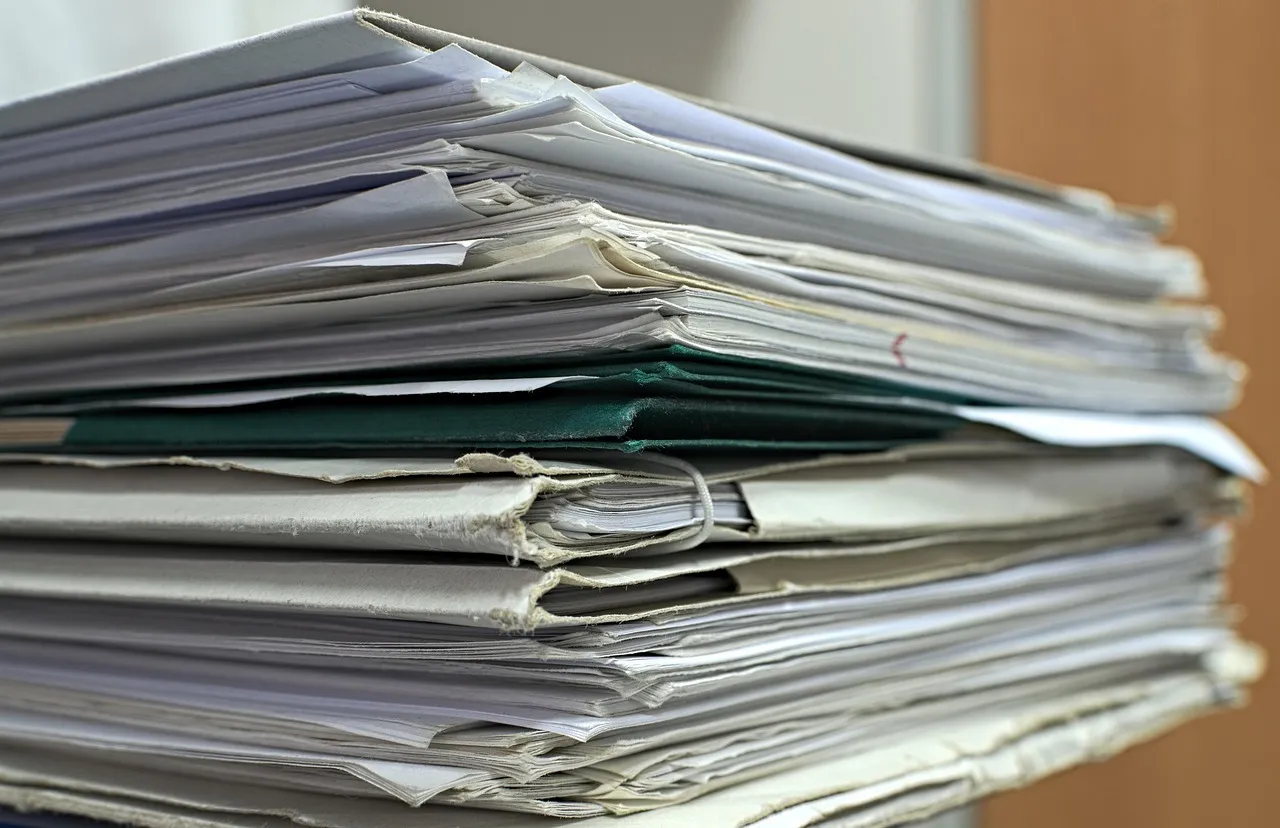
Paperless-ngx takes the pile of paper you have been meaning to deal with, runs OCR over it, and turns it into something you can search. You drop a scan into a folder and it appears in the interface tagged, dated and full-text searchable.
It is one of the most useful self-hosted applications, and it has several ways to get you stuck on the first evening. Three of them are about the host environment rather than the application itself.
The user ID has to match, or nothing gets consumed
Paperless watches a folder and takes ownership of its own directories. If the user inside the container is not the user who owns the folder on the host, you get a consume directory you cannot write to, or one the application cannot read.
The fix is to tell it who you are. Find your own user and group ID on the host with id, and set USERMAP_UID and USERMAP_GID to those numbers before the first start.
Getting this wrong is the single most common first-run failure. The symptom is a document sitting in the folder forever: no error, no obvious log line, just a file that is never consumed.
Hyphens in language codes become underscores
Paperless ships with English, German, Italian, Spanish and French. Anything else is installed by naming it in the configuration, using Tesseract's language codes.
The trap is punctuation. Where a Tesseract code contains a hyphen, Paperless expects an underscore. Simplified Chinese is chi-sim in Tesseract's own list and must be written chi_sim here. The same applies to the other hyphenated codes.
This matters more in this region than most guides assume. A household filing cabinet in Singapore or Malaysia is not monolingual, and when the configuration silently fails to load a language you are left with documents that are indexed but not readable: searchable by date and filename, useless by content.
The first start looks like a hang
Give it several minutes. On first run it initialises the database and downloads the OCR language packs, and there is a long stretch where the interface is not up and nothing appears to be happening.
People kill it and start again, which restarts the download. If it has been a couple of minutes and the logs are moving, leave it alone.
Let it skip the OCR it does not need
Not every PDF needs OCR. A document exported from a computer already contains its text; running character recognition over it wastes time and can produce a worse result than the text already there.
The default mode checks each document for embedded text and skips recognition where it finds enough. For a mixed pile of scanned and downloaded documents that is the right setting, and it is worth knowing it is the default before you accidentally turn it off.
Generate the secret properly
The application wants a secret key. This is a cryptographic secret, not a memorable name for the instance. Generate it with a random-bytes command rather than typing something you can remember, and treat it like any other key: out of version control, not shared between instances.
The admin account can be created through the interface on first visit, or set from the environment before the first start. Either is fine; doing it from the environment is easier to automate and harder to forget.
Think about the folder before you fill it
The consume folder is a one-way door in practice. Once a few thousand documents have been processed, you are more or less stuck with the tags, correspondents and document types you invented in the first week, and reorganising them later is a substantial project.
Spend twenty minutes deciding what a correspondent means to you and what belongs in a tag before scanning the box. The application works best with a small vocabulary and becomes unhelpful with a large one, which is the opposite of what most people assume.
Where this comes from
Composed from the project's own setup and configuration documentation together with several independent published guides, cross-checked against each other on 31 August 2026. The user-ID mapping and the language-code punctuation are both documented by the project; the default set of bundled languages may change.
OCR quality is a function of the scan, not the software. A skewed, low-contrast phone photograph of a receipt produces bad text no matter what runs over it. If the results disappoint, the fix is almost always at the scanner rather than in the configuration.
This holds your documents, so back up the database and the media together. They are separate directories and restoring one without the other gives you an index pointing at files that are not there, or files with nothing to find them by.

View author profile → · Editorial policy